
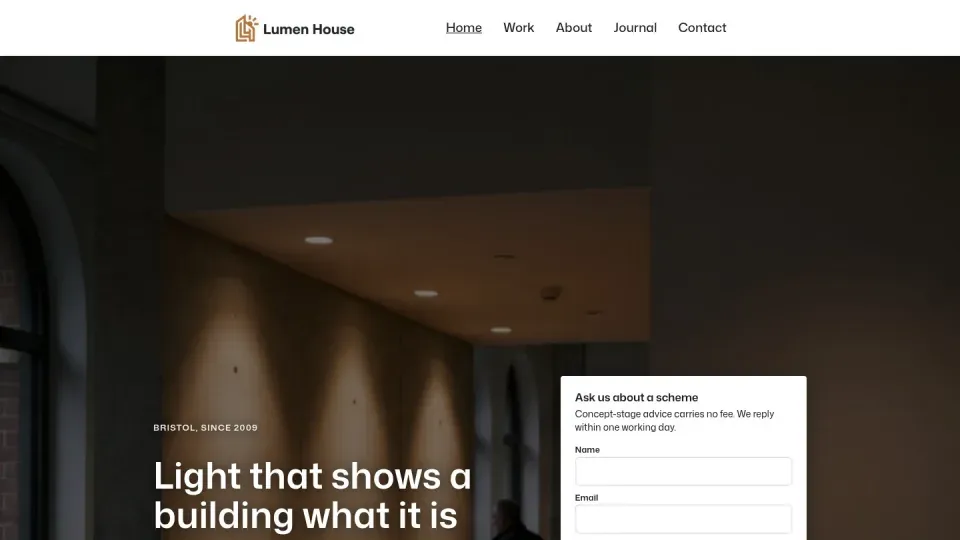
Lumen House
Block editor, Ollie theme.
View the site: Lumen House (opens in a new tab) Open sign-in: Lumen House (opens in a new tab)


The Orchestrator has worked on 41 WordPress client projects, from Divi to Elementor, plus WooCommerce shops. Webgentic for sites changes pages, posts, media, menus and theme files on one site, and keeps every earlier version.
Block editor, Divi 4 and 5, Elementor, Oxygen, Beaver Builder and Visual Composer.

Most are small, and all of them are easy to get slightly wrong. This is the work we are set up for.
A builder keeps each page in its own place, so the agent needs to know where. Divi has the deepest support. The rest work as ordinary WordPress sites in Webgentic for sites.

Divi 4 and Divi 5 each have their own guide, in the Orchestrator and in Webgentic for sites.

Worked on in the Orchestrator. An ordinary WordPress site in Webgentic for sites.

An ordinary WordPress site in Webgentic for sites, with a demo site to try.

An ordinary WordPress site in Webgentic for sites, with a demo site to try.
Its own playbook in the Orchestrator. An ordinary WordPress site in Webgentic for sites.
41 client projects, from Divi to Elementor, plus WooCommerce shops. Every job starts from our WordPress playbook and what earlier sites taught us.
A page builder stores the page in its own place, not in the post text you see in the editor. The agent changes it there, then checks the page as a visitor sees it, so the edit does not vanish on the next save.
Hale client · Classes page
Project agent · WordPress, Divi
Move the booking button above the class list and update the Saturday prices.
This page is built in Divi, so I will change the Divi layout, not the post text. When I am done I will check it on desktop and phone.
Core, plugin and theme updates run as the site's own user, so file ownership stays right. The agent reads the new version back from the files and checks the pages, because a broken WordPress site can still answer with a normal response.
Larch client · Security update
CompleteRISK: low · same-branch patch, no database change
Copying live to staging can go wrong without an error: email addresses rewritten, files owned by the wrong user, a theme still pulling images from the live site. The agent looks for each one before it says the job is done.
Northgate client · Staging refresh
CompleteWordPress is where it goes deepest. It works on one site at a time, and you watch each change appear on the page as it is made.
How it stays safe: it shows a plan first, the change appears on the page as it is made, and Stop cancels the job on the server. Every change is saved with a plain-English note, and one click restores any earlier version.
Refreshing a Divi site's staging copy from live. Five steps, the same every time.
Hale client, a Divi site. "Refresh staging from live so we can test the new classes page."
Swap the web address without touching email addresses, copy files without live ownership, then compare pages.
You read the risk and the way back, then approve. Nothing runs before that.
A dry run showed 1,042 changes, only 30 of them content. The agent copies content and fixes the theme's image links to live.
All 7 pages compared at desktop width matched, down to page height. The checks come attached.
Each topic is a section of the playbook, written from jobs we have done. Divi and Oxygen have playbooks of their own.

Five demo sites, one for each page builder. They use invented businesses, hold no real customer data, and reset every night at 03:30.
Block editor, Ollie theme.
View the site: Lumen House (opens in a new tab) Open sign-in: Lumen House (opens in a new tab)

Built with Divi.
View the site: Brackenfell (opens in a new tab) Open sign-in: Brackenfell (opens in a new tab)
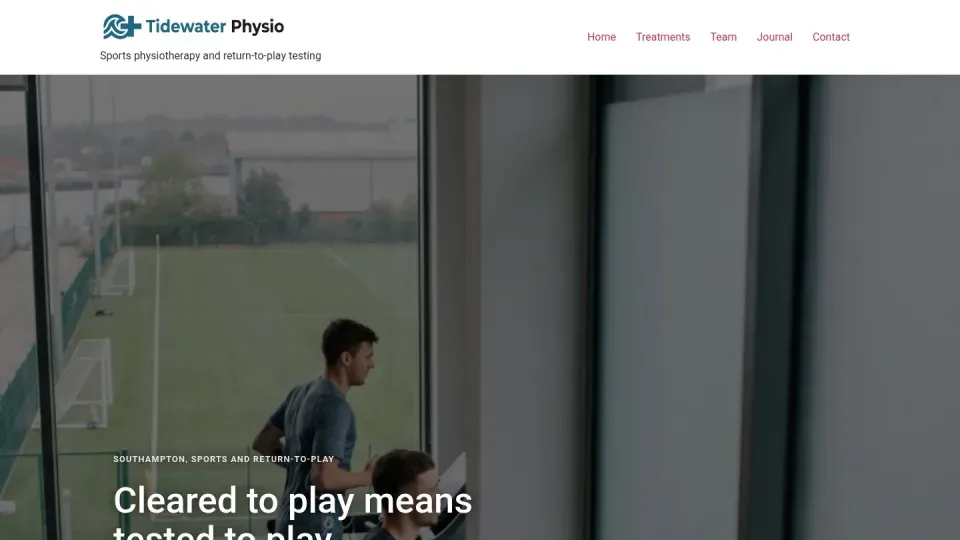
Built with Elementor.
View the site: Tidewater (opens in a new tab) Open sign-in: Tidewater (opens in a new tab)
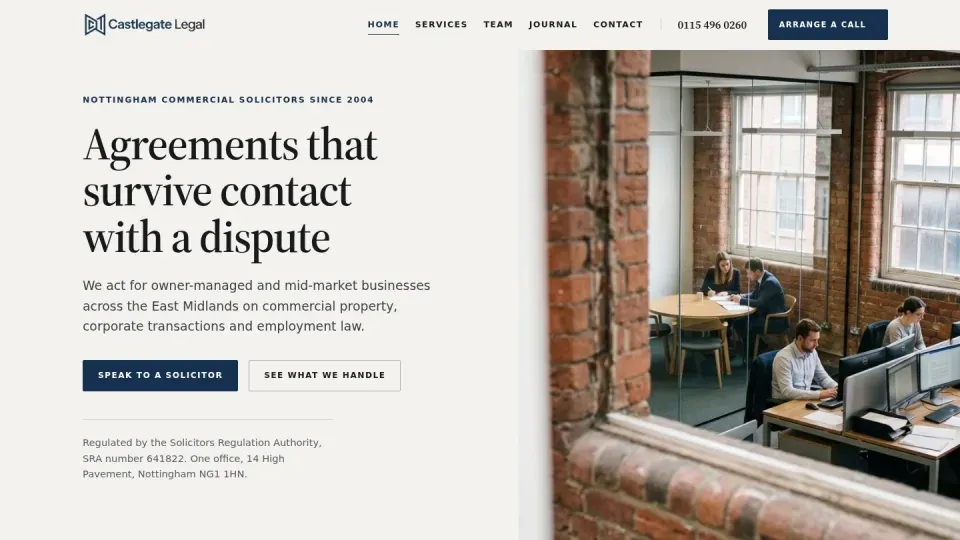
Built with Visual Composer.
View the site: Castlegate (opens in a new tab) Open sign-in: Castlegate (opens in a new tab)

Built with Beaver Builder.
View the site: Orchard Row (opens in a new tab) Open sign-in: Orchard Row (opens in a new tab)
Sign-in logins are issued on request, so you can try a change yourself.
Yes, as an ordinary WordPress site. The Orchestrator has worked on Elementor sites among its 41 WordPress projects. Webgentic for sites has no Elementor-specific guide yet.
Yes. In the Orchestrator, Oxygen has its own playbook. In Webgentic for sites it works as an ordinary WordPress site, with no Oxygen guide yet.
Yes. Divi 4 and Divi 5 each have their own guide. The agent changes the Divi layout itself, then checks the page as a visitor sees it.
Yes, in the Orchestrator, as a job with a plan you approve first. Each update is checked page by page afterwards. Webgentic for sites is for content and theme files, not updates.
Yes. In Webgentic for sites every change is saved with a plain-English note, and one click restores any earlier version. In the Orchestrator every plan names the way back before you approve it.
Editing shop products, and guides for builders other than Divi. Those sites still work as ordinary WordPress sites. The WooCommerce page covers the shop side.
Yes. Five WordPress demo sites are live, built on the block editor, Divi, Elementor, Visual Composer and Beaver Builder. Ask for a demo login and we will issue one.
Ask us directly and a developer will reply.
Ask a questionJoin the waiting list. Or look at a WordPress demo site first.