
Try Webgentic on a real site.
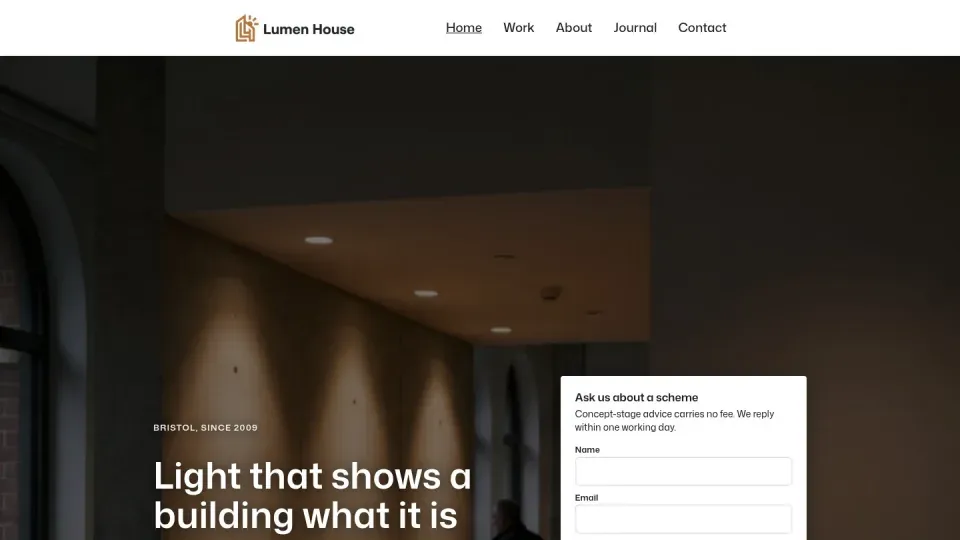
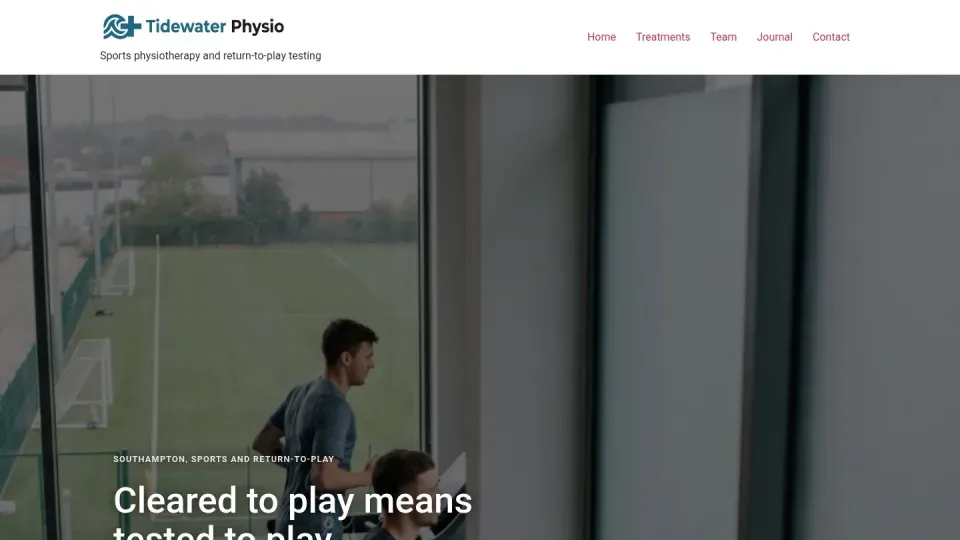
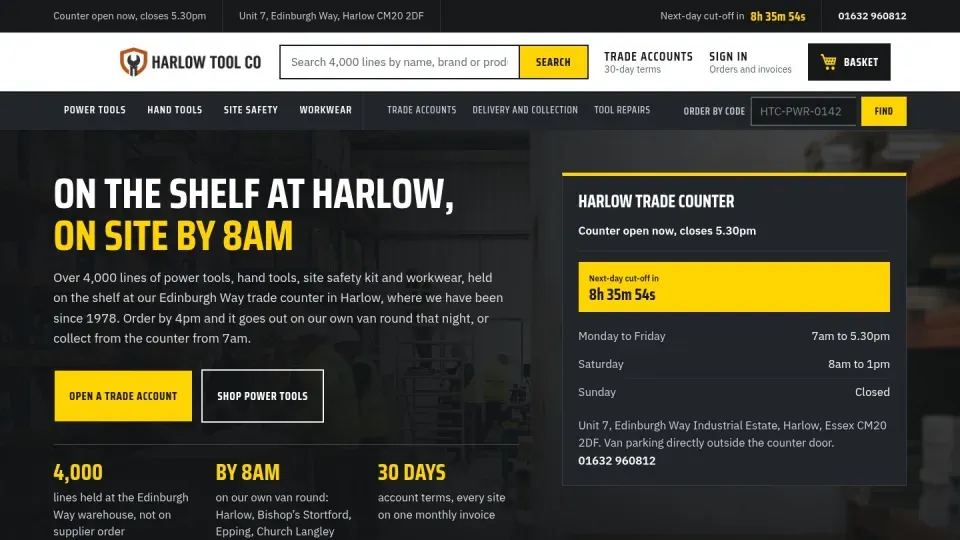
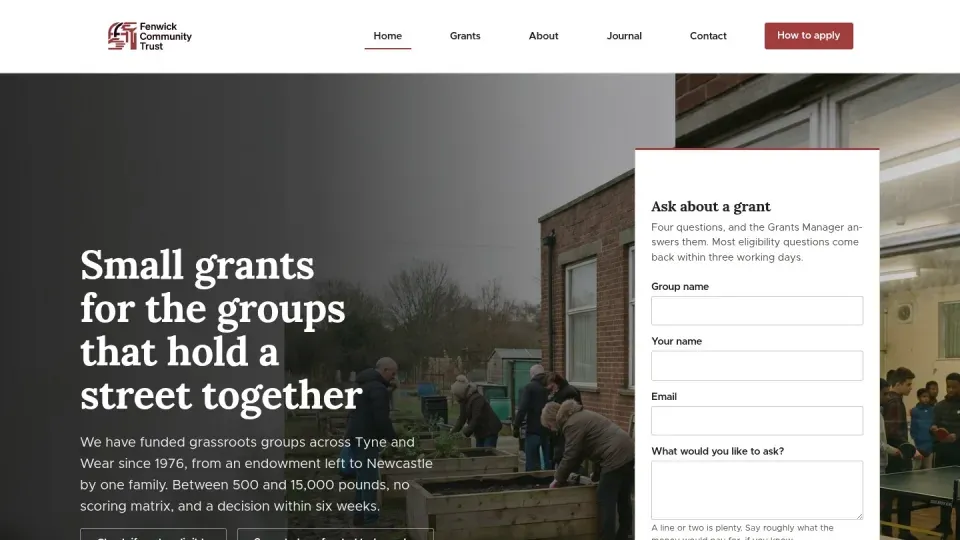
13 demo sites for invented businesses. They hold no real customer data and reset every night at 03:30 UK time, so your changes are not kept.



How to sign in.
Anyone can look at a demo site. Editing one needs a login, and logins are issued on request.
-
Open a demo site
Pick a site below. Choose View the site to look around, or Open sign-in to go straight to its login page. Both open in a new tab.
-
Ask for a demo login
Demo logins are issued on request while the demos are in preview. Ask for a demo login and we will send one.
-
Click the blue line
Once you are signed in, a thin blue line runs along the bottom of every page. Click it to open Webgentic and ask for a change in plain English.
-
Watch it happen
There is no approval step. Webgentic shows a plan, then makes the change while you watch. Stop cancels it, and one click puts an earlier version back.
All 13 sites reset overnight, so you can try anything.
WordPress demo sites
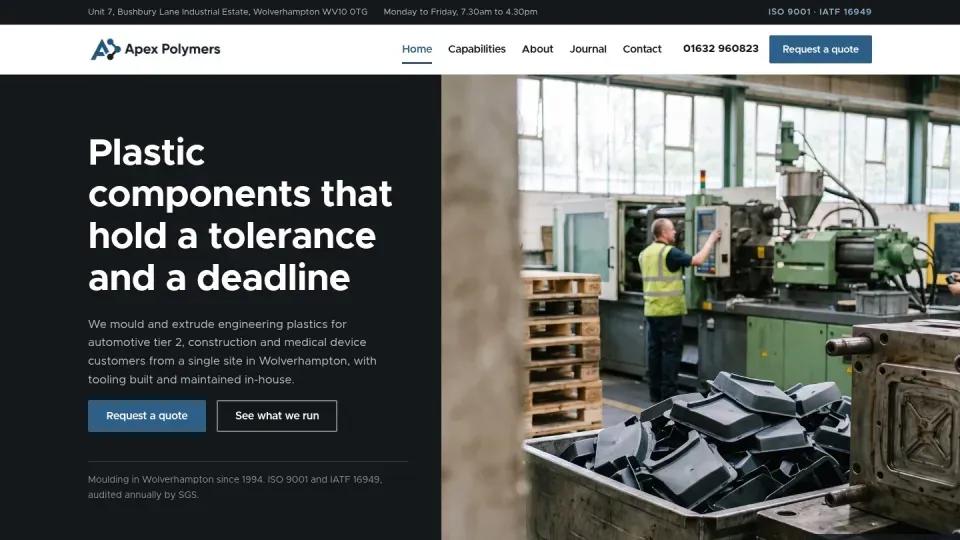
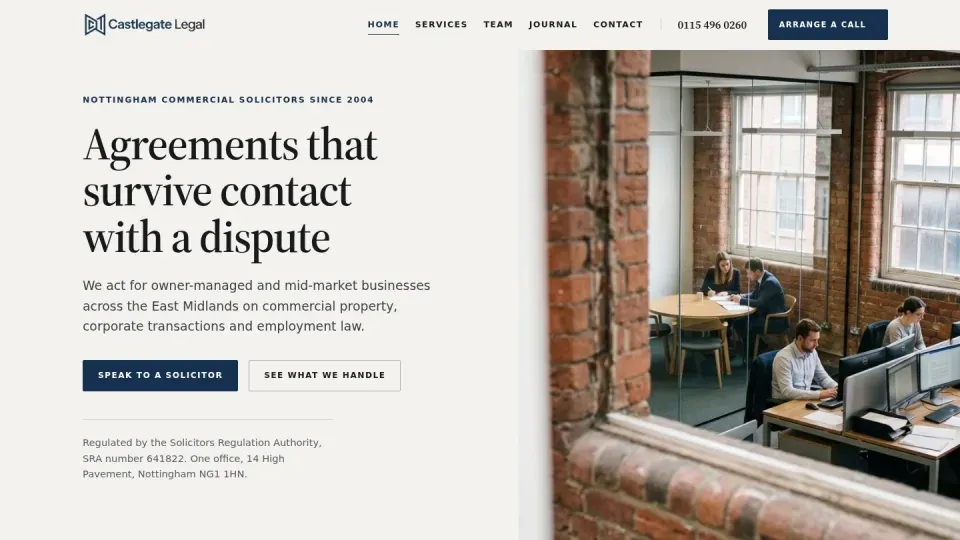
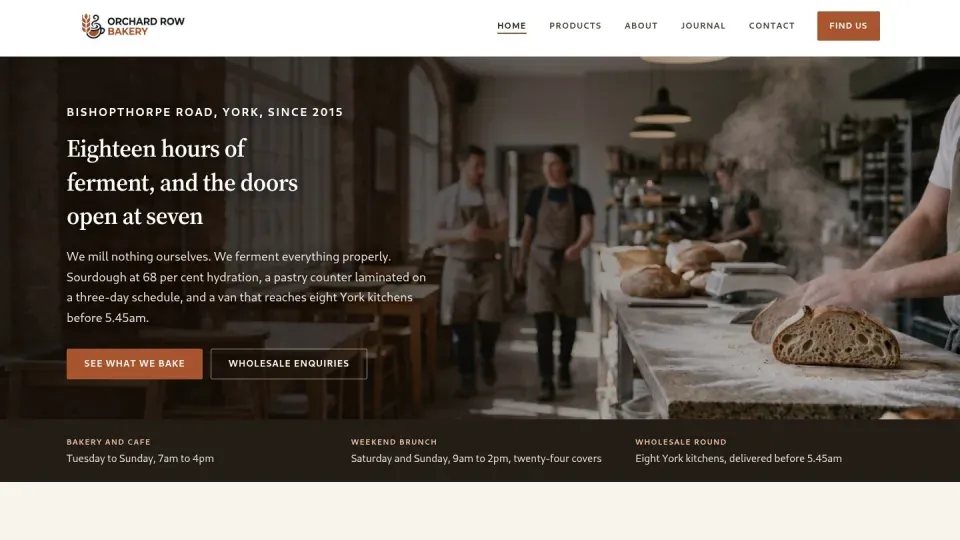
Five sites, each on a different builder or theme. WordPress is the platform Webgentic for sites covers most fully.
WooCommerce demo sites
Product editing is not built yet, so try changing pages and content.
-
-
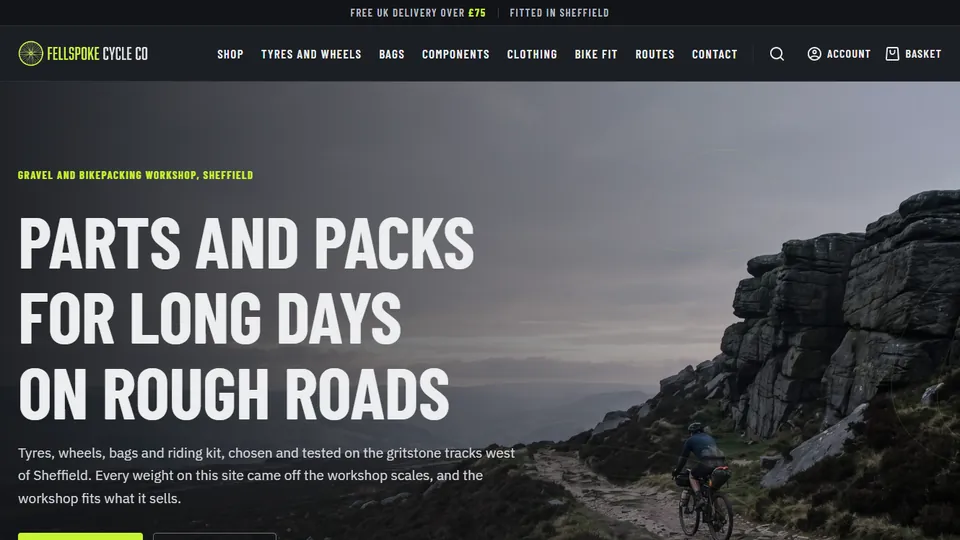
Waggle Street
WooCommerce with Divi
View the site : Waggle Street (opens in a new tab) Open sign-in : Waggle Street (opens in a new tab)How we work on WooCommerce -
Magento demo sites
On Magento, Webgentic edits CMS pages, blocks, category text and design config. It does not edit products.
-
-
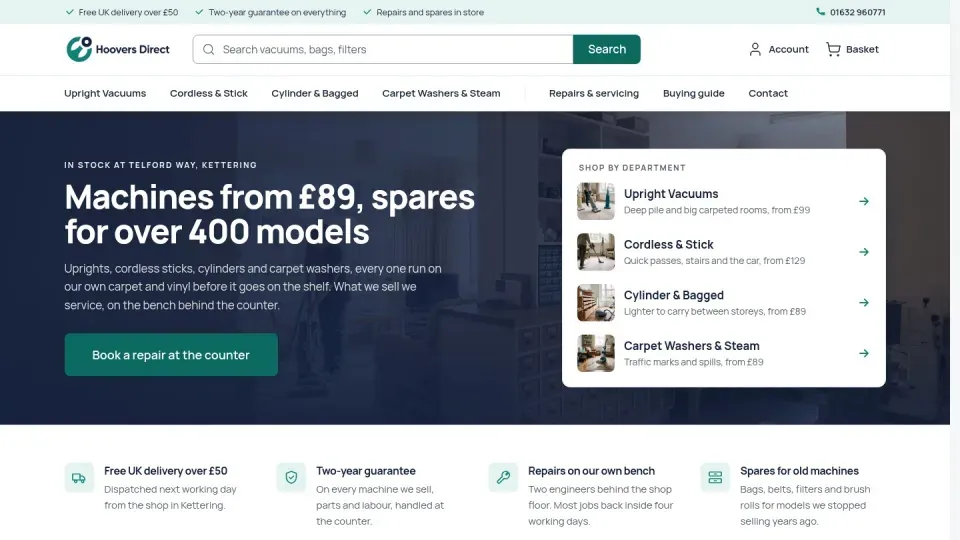
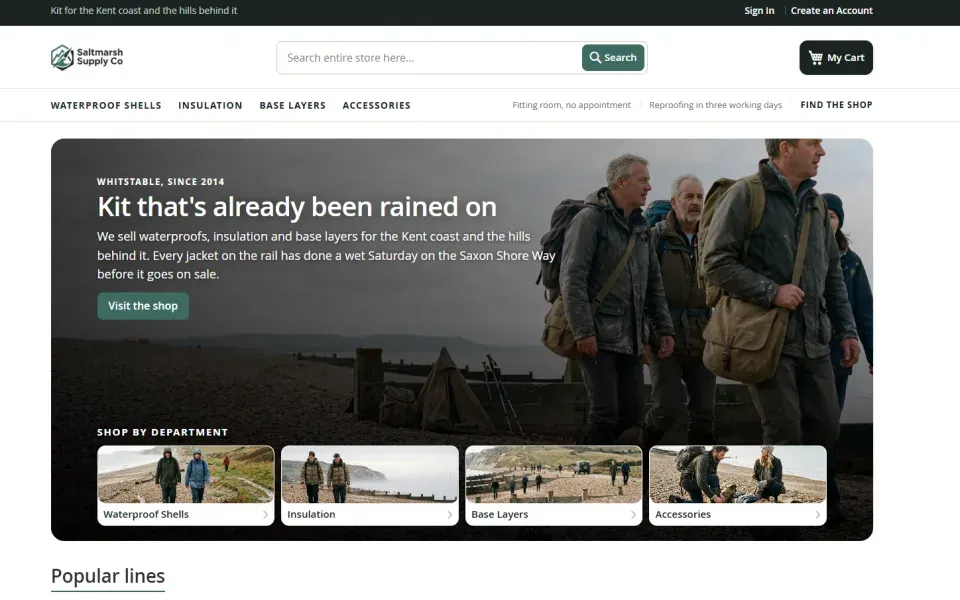
Hoovers Direct
Magento with the Hyvä theme
View the site : Hoovers Direct (opens in a new tab) Open sign-in : Hoovers Direct (opens in a new tab)How we work on Magento -
Drupal demo sites
On Drupal, Webgentic works on the site's files only.
Questions about the demo sites.
What can I change on a demo site?
Ask for what a site owner would: edit a page, change wording or adjust a layout. How far it reaches depends on the platform. WordPress goes furthest. WooCommerce product editing is not built yet. On Magento it edits CMS pages, blocks, category text and design config, not products. On Drupal it works on files only.
What resets, and when?
Every demo site resets at 03:30 UK time each night, so your changes are not kept. The businesses are invented and hold no real customer data.
Why do I need a login?
Anyone can look at a demo site. Editing one needs a login. While the demos are in preview, logins are issued on request. The steps are at the top of this page, and you can ask for one on the contact page.
Can I try it on my own site?
Not from this page. The demo sites are how you try Webgentic now. If you want it on your own site, join the waiting list and we will email you when your place comes up.
Which platforms are the demo sites on?
WordPress (5 sites), WooCommerce (3), Magento (3) and Drupal (2). There is no Shopify demo store: each Shopify store is set up with us.
Something else on your mind?
Ask us directly and a developer will reply.
Ask a question

Want Webgentic on your own site?
Join the waiting list and we will email you when your place comes up.